← Back to the overview

Gift vouchers

Gift vouchers that sell themselves

Customers buy a voucher for your studio right on your profile, pay online and receive it as a PDF. You issue vouchers in the studio too, redeem them in the booking and always see the remaining balance.

Free to download · iOS & Android

Sell and issue vouchers

Video

See it in action

Short videos with the real app screens, in English.

How it works

From the sale to redemption in three steps

Gift vouchers

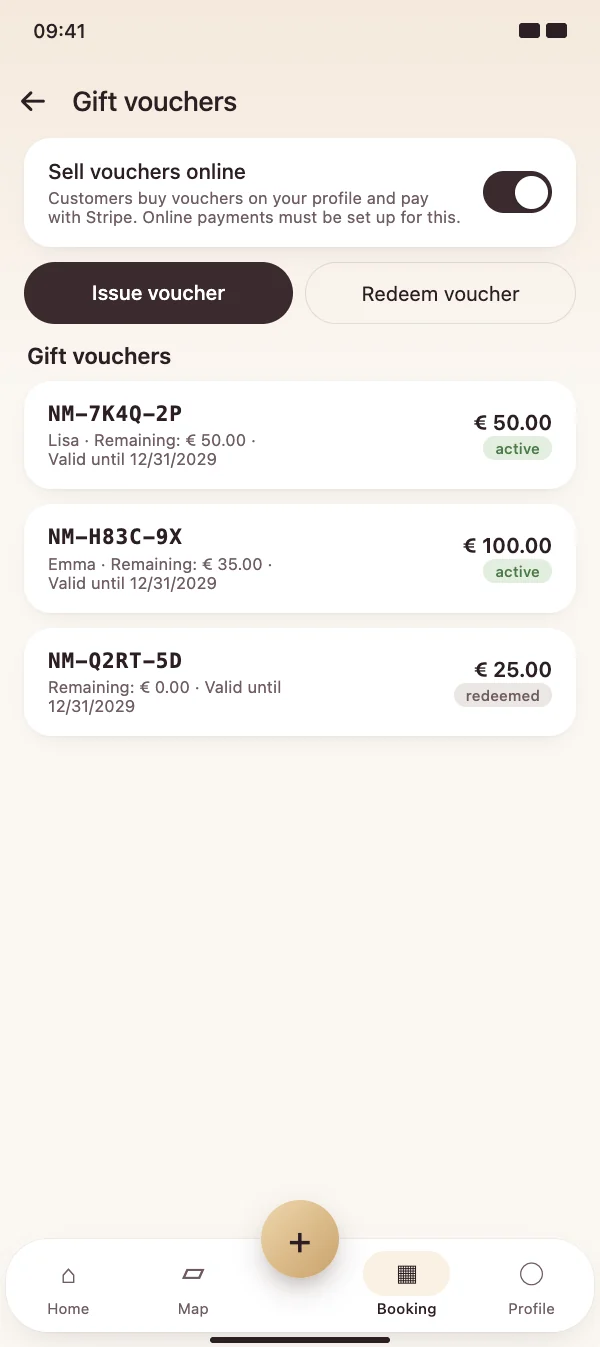
Sell and issue vouchers

Switch on online sales and customers can buy vouchers on your profile. In the studio you issue a voucher with an amount, recipient and message – as a PDF to print or send.

  • Online sales with your Stripe account
  • Each voucher with its own code and validity date
  • All vouchers with status and remaining balance in one list
Sell and issue vouchers

Gift vouchers

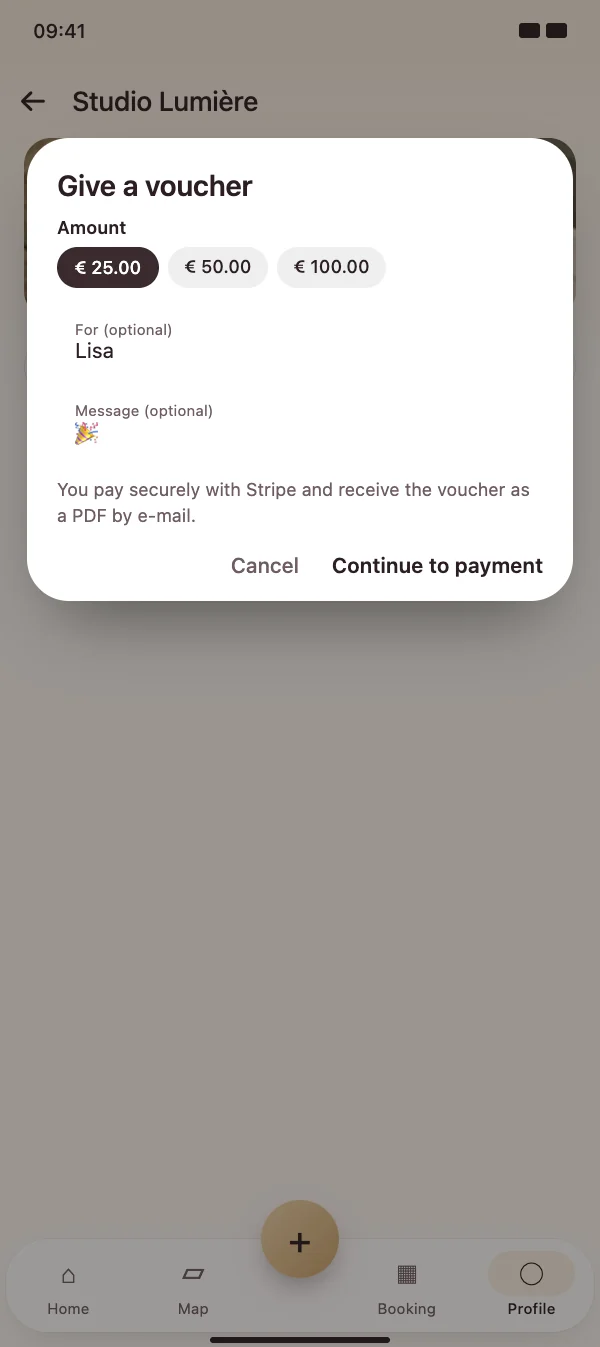
"Give a voucher" on your profile

Customers pick an amount, add a name and a message and pay securely with Stripe. The voucher arrives as a PDF by e-mail – ready to give as a present.

  • Fixed amounts or a custom amount
  • Payment by card and other Stripe payment methods
  • The money goes directly to your Stripe account
"Give a voucher" on your profile

Gift vouchers

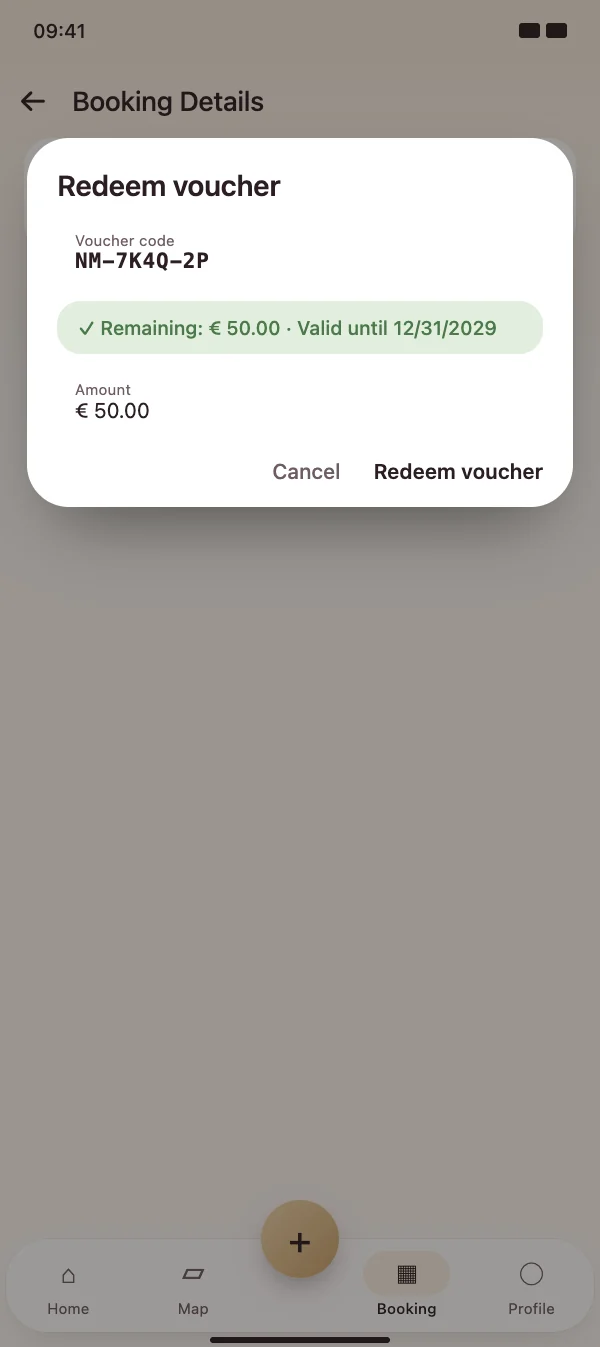
Redeem with the remaining balance

Enter the code in the booking, check the value and redeem all or part of it. The remaining balance stays on the voucher, and the amount appears on the invoice and in the tax report.

  • Partial redemption with remaining balance
  • Shown as a credit on the invoice
  • Cancel or refund vouchers if needed
Redeem with the remaining balance

FAQ

Questions about gift vouchers

What does it cost?

Gift vouchers are part of the NailMe Pro subscription. For online sales, the usual Stripe fees apply.

Do I need online payments for this?

Only for selling vouchers on your profile – then online payments with Stripe must be set up. You can issue and redeem vouchers in the studio without it.

How long is a voucher valid?

By default until the end of the third year after purchase. The validity date is printed on every voucher.

How are vouchers handled for tax purposes?

NailMe records the redeemed amount on the invoice and shows vouchers separately in the tax report. Rules differ from country to country – ask your tax adviser if you are unsure.

Start selling gift vouchers

Download NailMe for free and open the gift vouchers via the menu in the Booking tab.

Free to download · iOS & Android