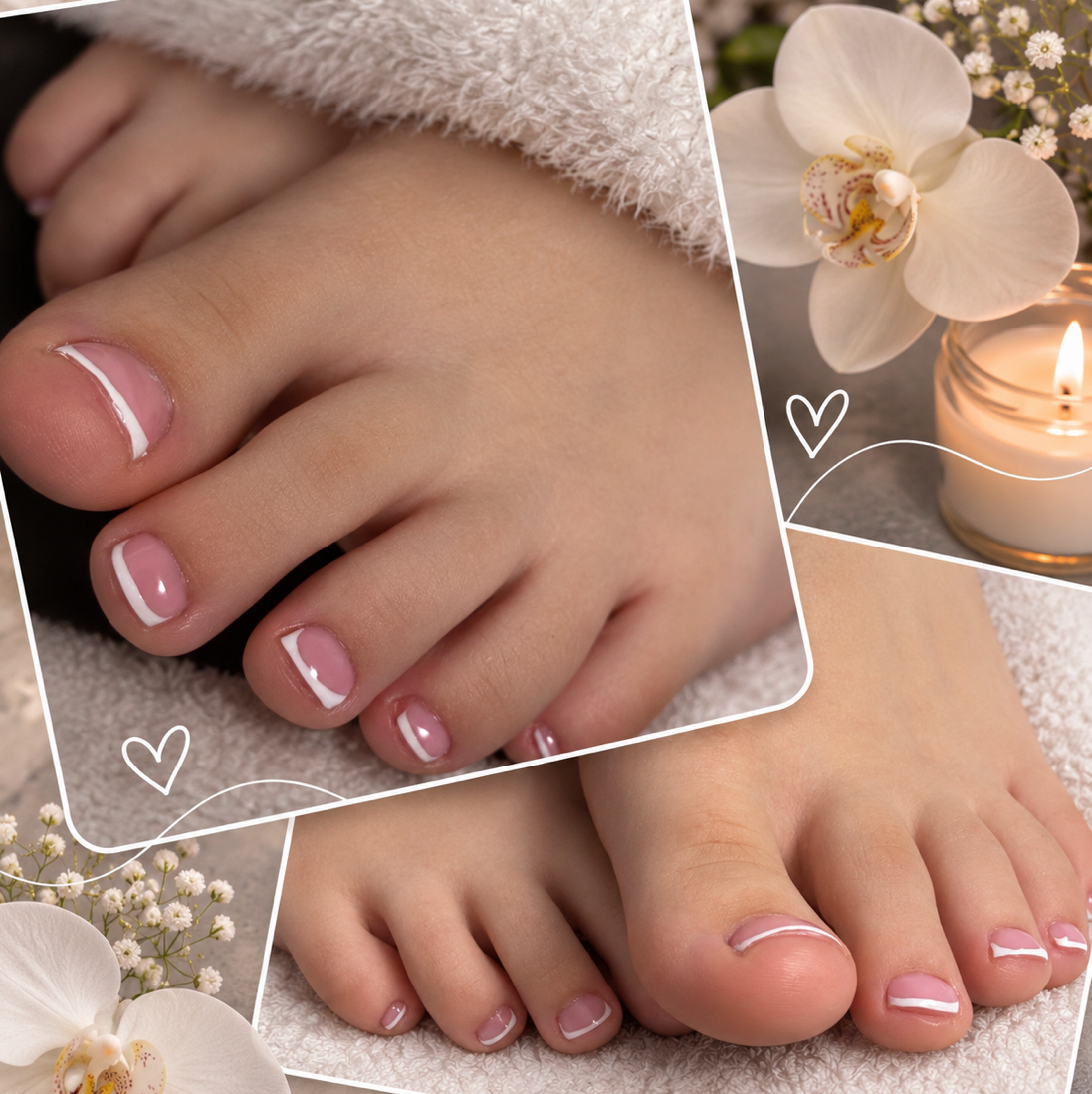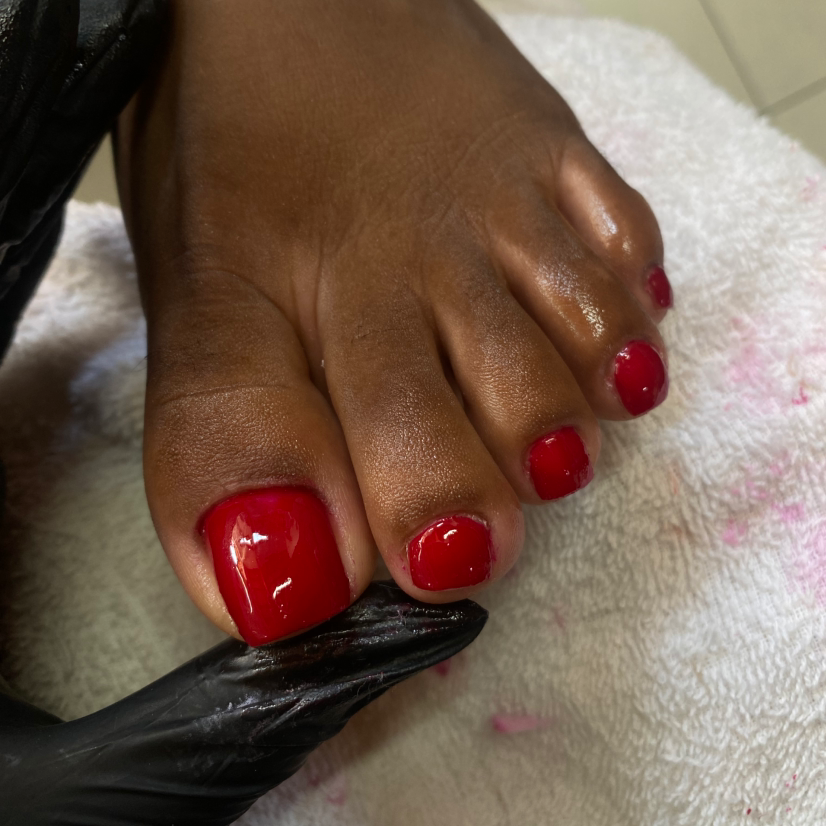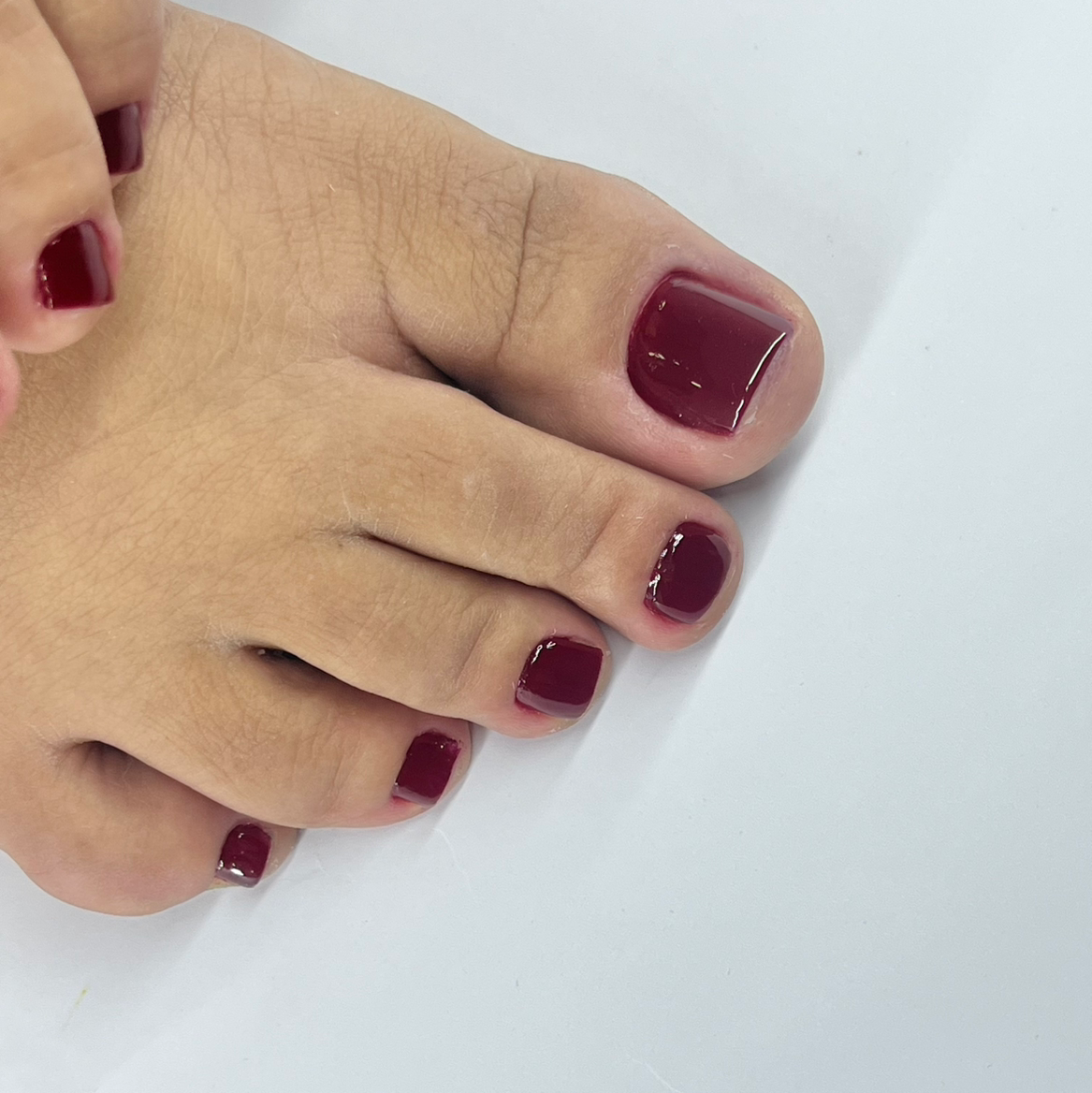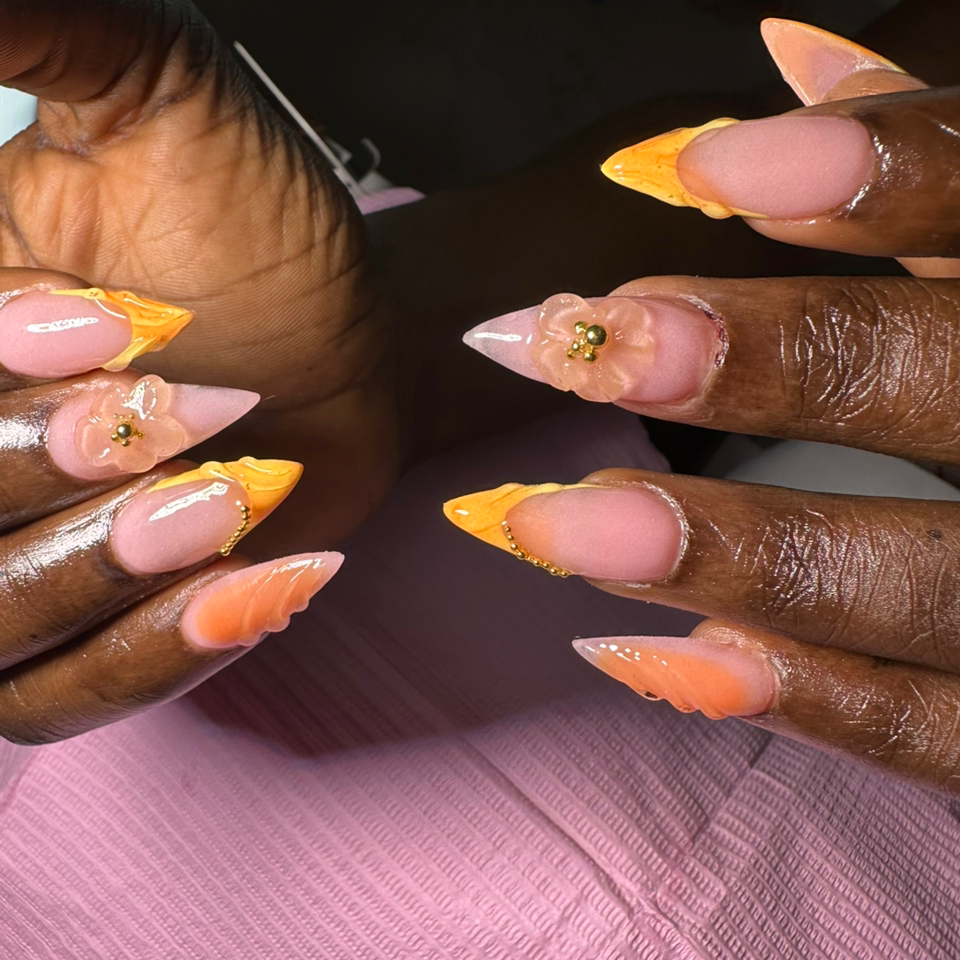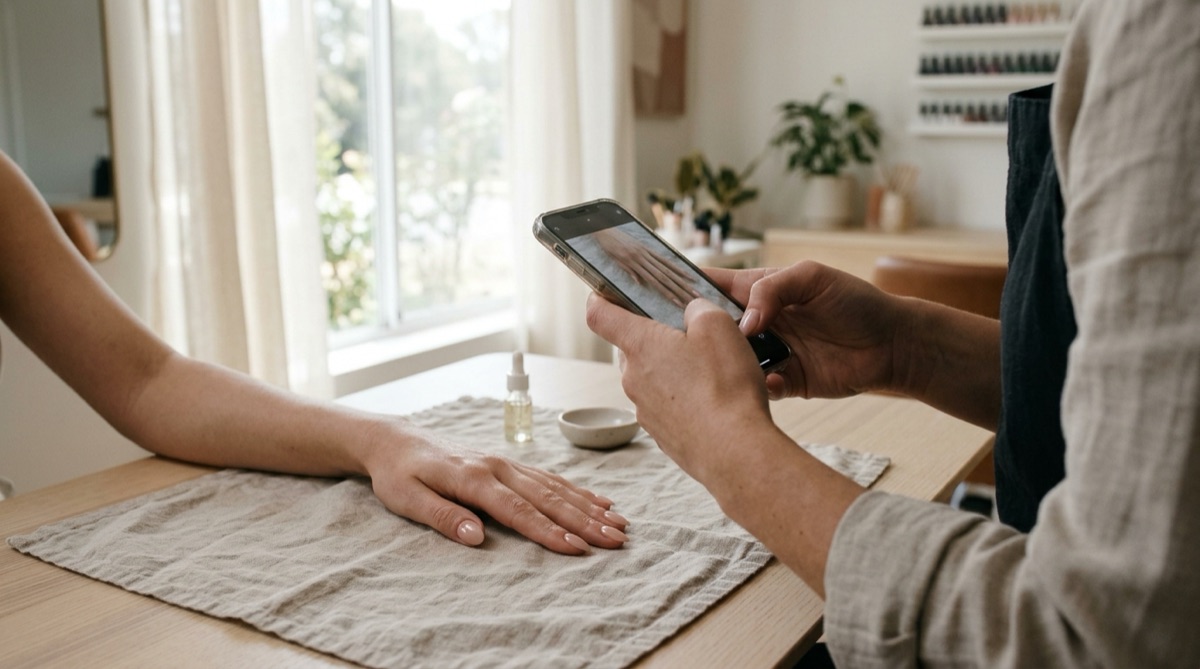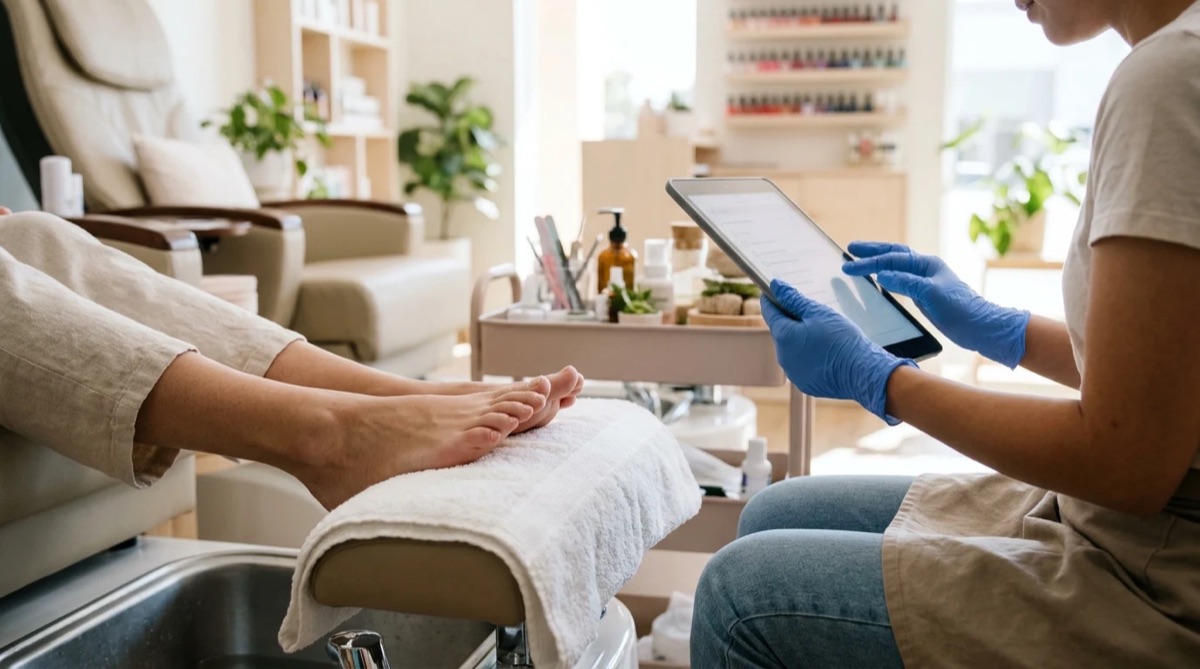
In pedicure work, changes are easier to judge when you can compare with the last visit. A short checklist also shows clients that you work carefully.
How it works in NailMe:
- In the Booking tab, open the menu, tap Customers under Clients and open a client.
- At a pedicure appointment, tap Note & photos and then Add foot findings.
- Tick what you notice and add a note if needed.
- With Pro, add before and after photos, then save.
For diabetes, the app reminds you to refer the client to a podiatrist if needed. The findings are notes, not a diagnosis. Only you and your studio management see them.