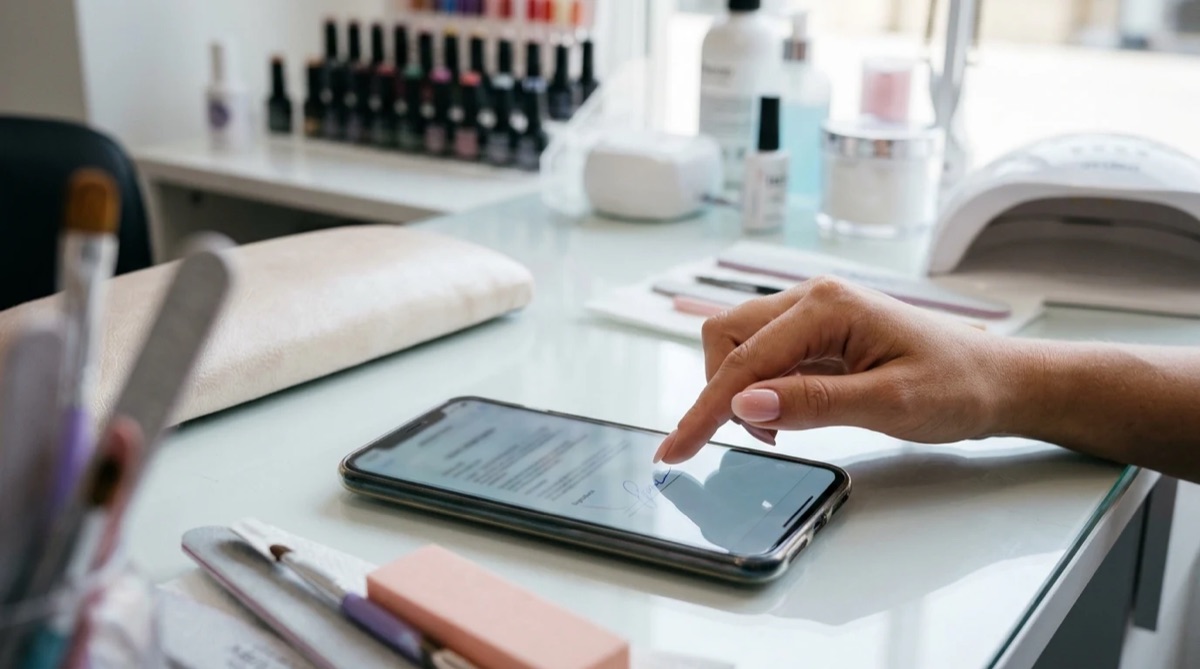
For some services you need to ask about allergies or get a signature before you start. Paper forms get lost and take time at the table.
How it works in NailMe:
- In the Booking tab, open the menu and tap Forms under Clients.
- Use a template or create your own with New form, with yes/no, text, date or signature questions.
- Assign the matching forms to a service under Forms.
- When you confirm the appointment, the client gets the form by push or email and signs it in the browser, without logging in.
You open the signed PDF in the booking details, and the answers are stored in the client record. The templates are samples and not legal advice, so check them for your country.