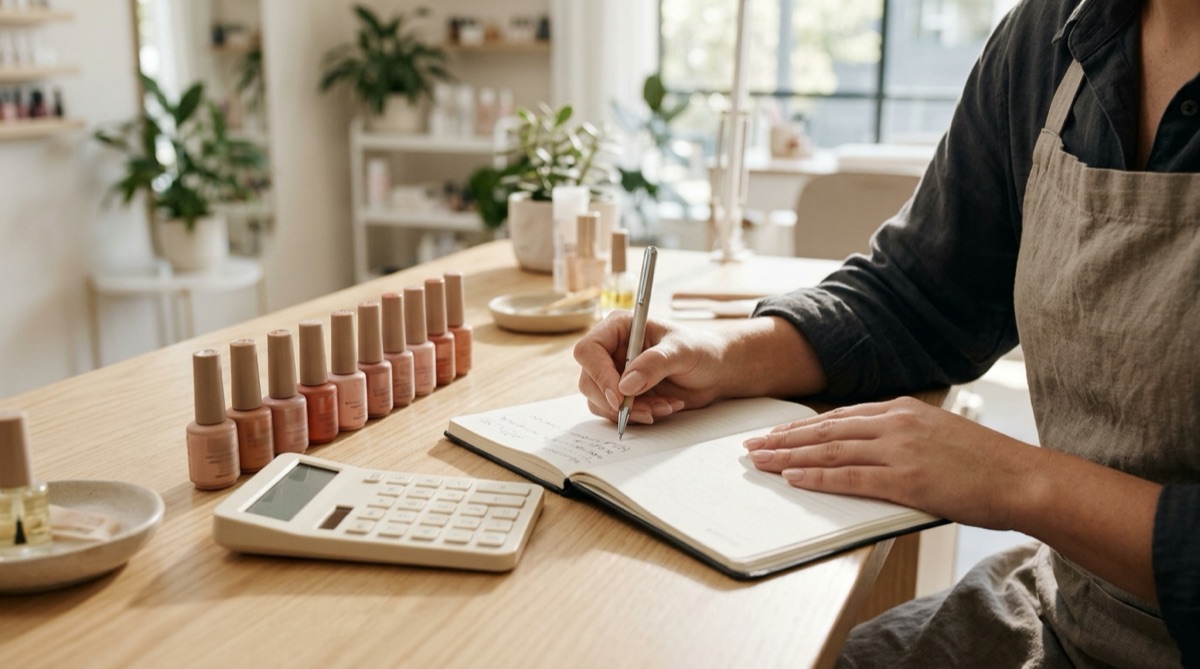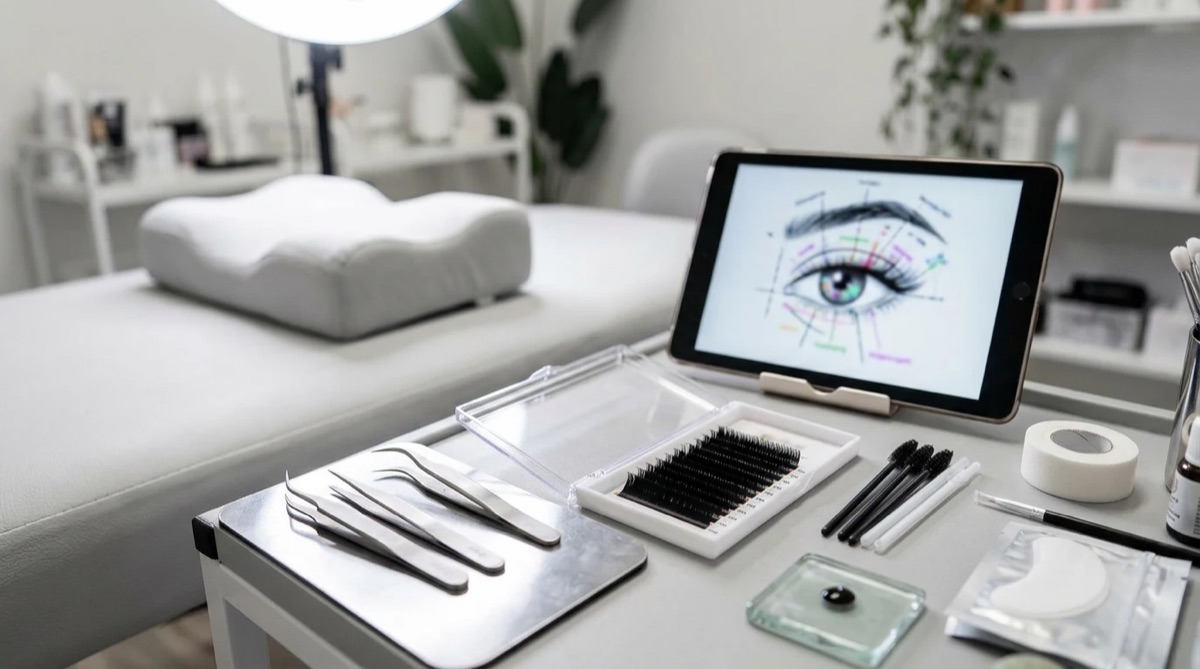
For lash refills you need to know exactly what you used last time: style, curl, lengths and glue. Notes on paper or in your head are easy to lose.
How it works in NailMe:
- In the Booking tab, open the menu, tap Customers under Clients and open a client.
- Under Lash map, tap Enter patch test and choose the day you tested the glue.
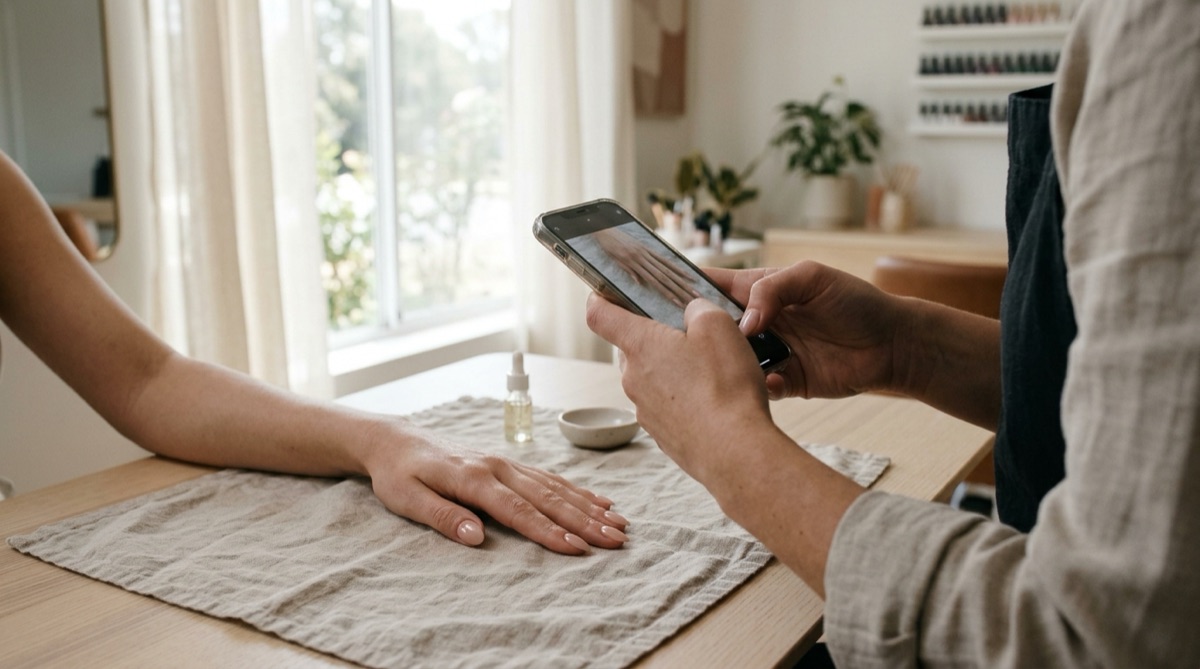
- At an appointment, tap Note & photos and then Add lash map. Enter style, curl, lengths, thickness and glue.
- Next time, Same as last time copies the last map.
The app reminds you when no patch test is recorded or the first appointment is less than 48 hours after it. Only you and your studio management see the record. The lash map is free.