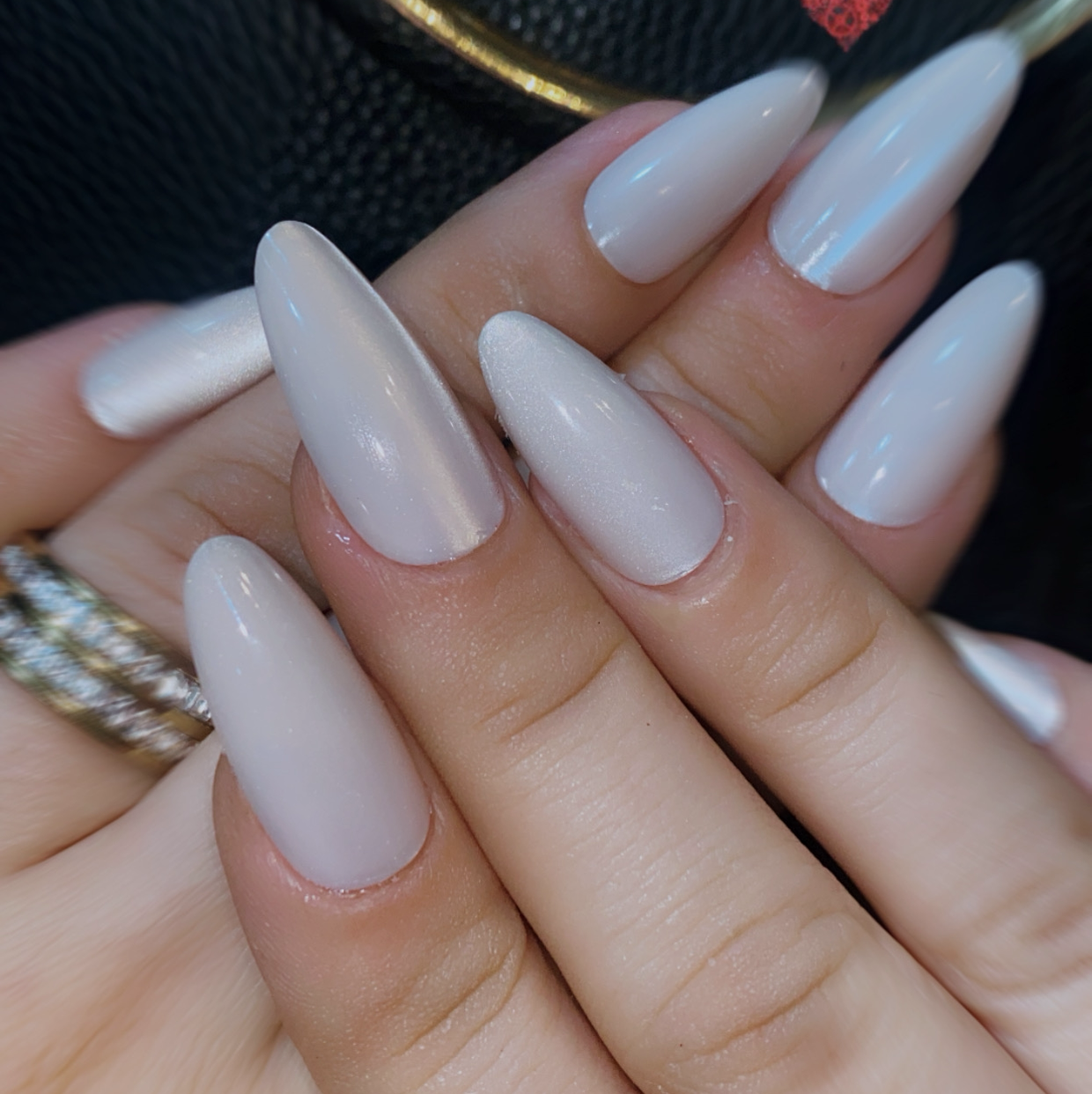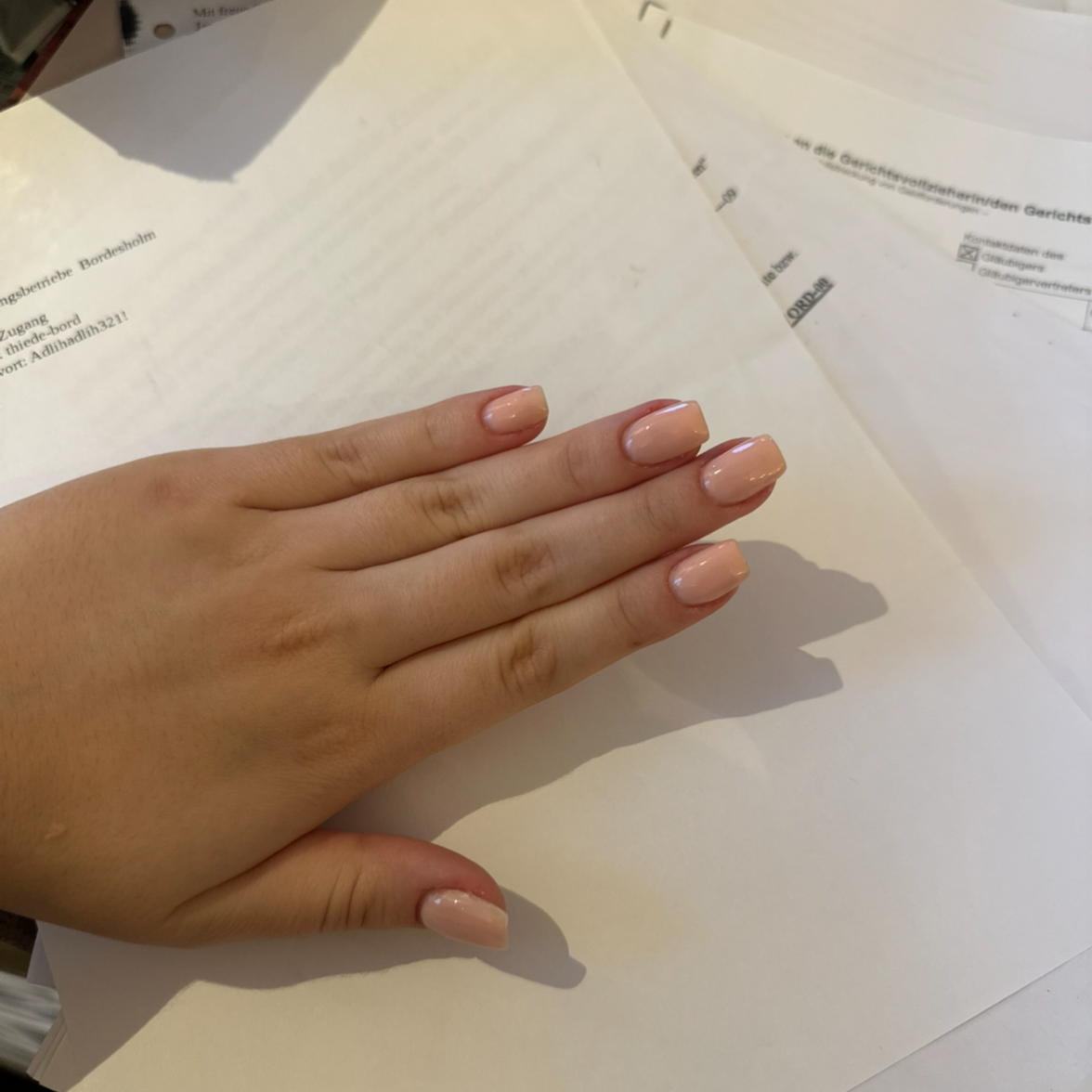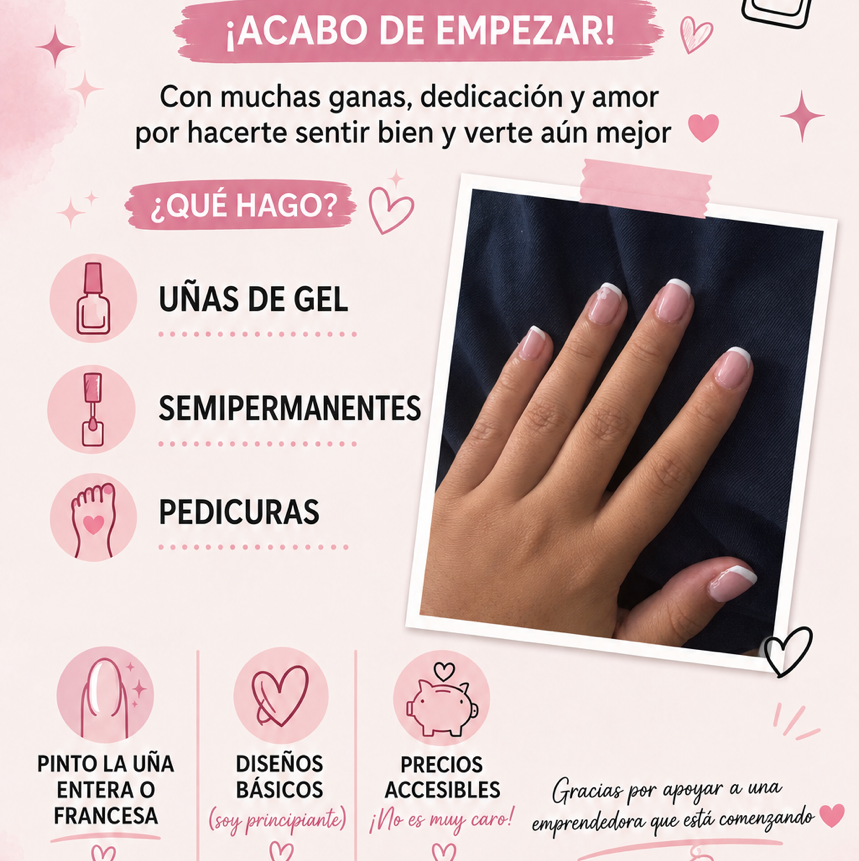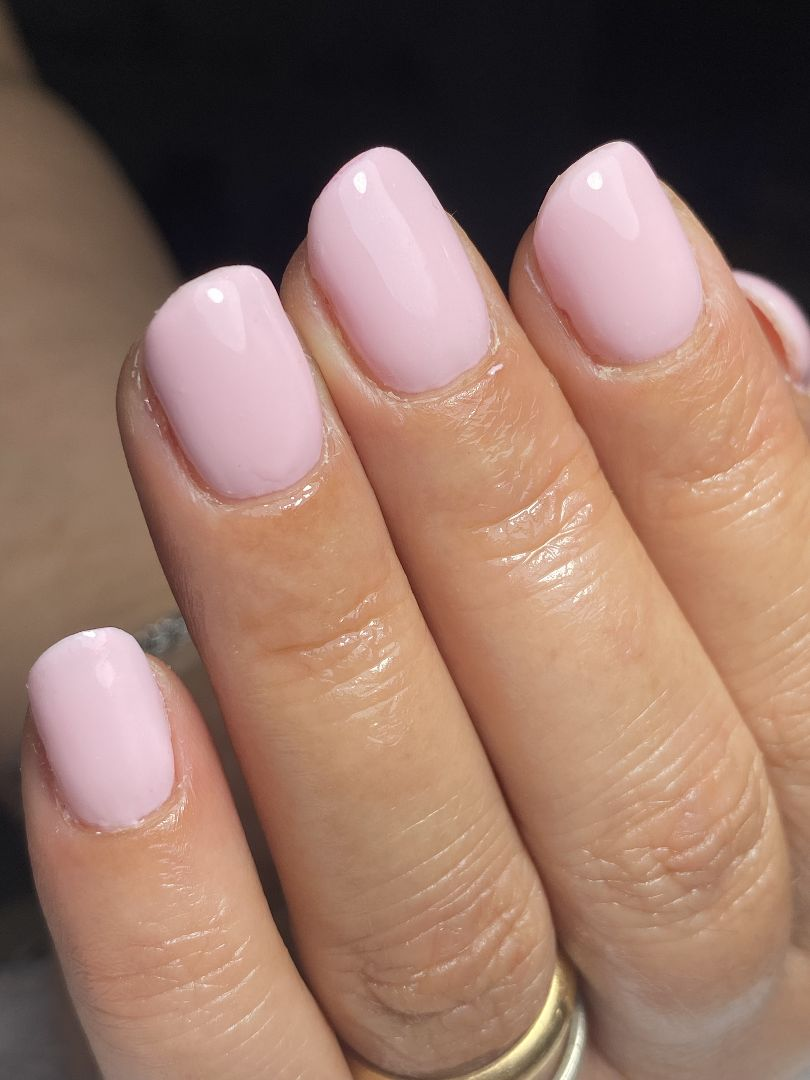
Most clients would book again, they just forget when. A reminder at the right moment brings them back without you having to chase anyone.
How it works in NailMe:
- In the Booking tab, open the menu, tap Professional and then the service.
- Under Rebooking reminder, choose the weeks, for example after three or four weeks for gel.
- Save the service. From then on clients get a reminder at that time.
- The reminder opens your profile, so they can book right away.
Set a different interval for each service, for example a longer one for pedicures.